


PLAYBOOKS
The AI Harness Designer
Most people install every tool they read about and end up managing Claude instead of using it. This skill interviews you first, then hands you a blueprint with a mandatory skip list.
Read →
BY STEVE TAN
AI isn't a tool. It's leverage. Sharing what's working week by week.
How I batch-generate product shots, ad creative, and content images ten at a time instead of waiting on ChatGPT to spit them out one by one. The setup, the batch workflow, and the math that explains why this saves you way more in time than it costs in credits.
Steve Tan
TL;DR
AI image generation is a probability game. Every generation is a slot pull. Some are good, most aren't. The chat window forces you to play one pull at a time, which is why you waste an hour iterating on a single image and still don't have what you wanted. OpenAI's developer playground lets you batch 10 pulls per click, see them side by side, and pick the winners. Three-minute setup. The cost savings ($2 a batch vs. a stock photo subscription) are real, but they're not the point. The point is the hours of decision time you stop burning. This is the switch.
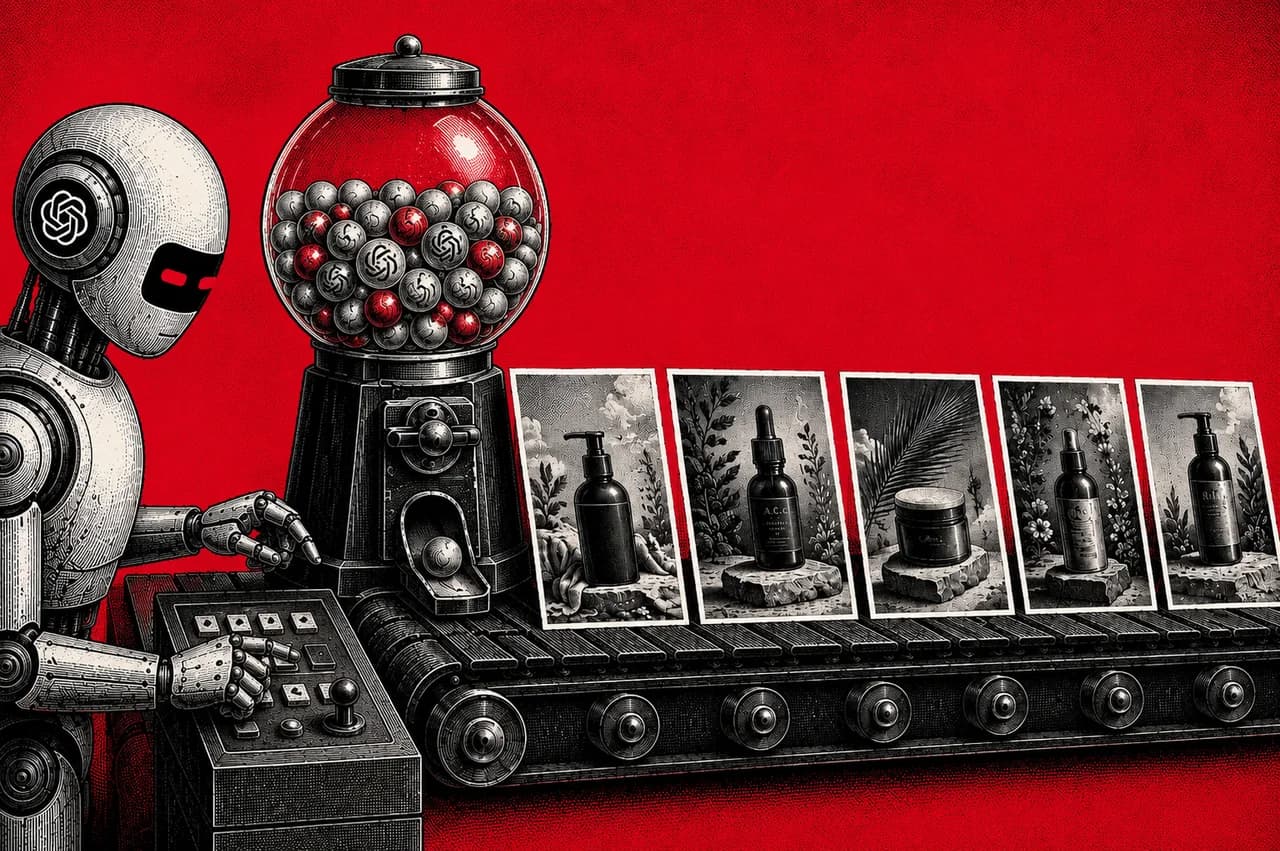
AI image generation is a slot machine.
Every prompt is a pull. Sometimes you get a great image. Most of the time you get something close to what you wanted but not quite. So you re-roll. And re-roll. And re-roll. By the time you've seen 10 variations of a product shot, an hour is gone. And you still haven't made a creative decision, because you've been evaluating images in series instead of side by side.
The chat window is built to play this game one pull at a time. That's the actual problem. Not the price of the generation, the price of your time.
The playground does ten pulls at once. One click, 30 seconds, ten images on screen. Scan the row, kill the seven that don't work, run the top three at higher quality. Total time from idea to ship: under five minutes. Total cost: around $2.
This is the math people miss. AI image credits are some of the cheapest things you can pay for in business. Your time isn't. Trading $2 of credits to save an hour of decision time isn't a cost decision, it's an asymmetric trade you should make every single time.
That's the unlock. The decision-making is the work. The generating is the tool. The chat window collapses that distinction and makes you wait for a tool that should be invisible.
A few hours back every week on creative work. Credit savings are a bonus, not the point.
The chat window: one image per prompt, no settings, no batch, opaque model. Fine for a one-off. Useless for shipping work.
The playground exposes everything the chat hides:
More than 5 images a week for any business reason, the chat window is a tax on your time.
You'll need a separate account from your ChatGPT login. Same email is fine, it's a separate billing context.
Three rounds. Under five minutes. Under a dollar.
Create a free account to continue reading
The operator's library for building with AI.
“The most actionable AI resource library
I've found. Thanks Steve!”
James.H — Member since 2026
Join 2,845+ leaders, builders, and innovators
Already have an account?
Round 1, Explore (10 images, low quality, ~$0.50). Write the prompt. Hit batch of 10 on low. Wait 30 seconds. Ten images on screen. Now you can see the spread of how the model interprets you. Seven are off. Three are interesting. You just learned the model's bias for this prompt, in 30 seconds, for fifty cents.
Round 2, Refine (10 images, medium quality, ~$0.80). Take the strongest direction from Round 1. Tweak the prompt to push harder. Run another 10 at medium. Now you're choosing between 10 variations of a direction you actually want.
Round 3, Ship (2-3 images, high quality, ~$0.60). Pick your top 2-3. Run them at high quality, final dimensions, final format. These are the ones you ship.
Total: ~30 images generated, under $2, around 4 minutes, 2-3 shippable assets you actually chose between.
The chat window can't do this. You'd be an hour in, generating one at a time, trying to remember what the third image looked like when you're looking at the seventh.
Most guides walk every setting. The real question is what to pick for what.
Model. Default to gpt-image-2. If you're verified and see a -[date] beta, run the beta for content you're shipping ahead of the curve.
Dimensions. Match destination. 1024×1024 for IG feed. 1536×1024 for YouTube, banners, Meta feed. 1024×1536 for Stories, Reels, Pinterest. Pick before you generate. Cropping later throws away resolution.
Quality. Low for Round 1 explore. Medium for Round 2 refine. High for anything you ship to a customer, a paid ad, or a print run.
Format. PNG for transparency. JPEG for photo-style social. WebP for web hero images.
Background. Transparent for any product shot you'll composite later. This is the single highest-leverage feature on the platform. Chat window can't do it reliably. Playground does it in one toggle.
Settings aren't features to memorize. They're decisions matched to deliverables.
Written for gpt-image-2's literal-instruction style. Name the visual elements, not the vibe.
1. Product shot for ad creative
Studio product photo of [PRODUCT], clean white seamless background, three-point soft studio lighting, professional ecommerce hero shot, slight reflection on surface, 4K detail, photorealistic, no text overlays.2. Lifestyle scene for paid social
Cinematic lifestyle photo of [SUBJECT] in [SETTING], golden hour lighting, shallow depth of field, shot on 50mm lens, editorial photography style, color graded for warmth, no logos visible.3. Brand asset for templates
Minimalist brand graphic: [CONCEPT], geometric shapes, two-color palette of [COLOR1] and [COLOR2], flat vector design style, social media ready, leave 30% negative space on the right for headline overlay.4. YouTube or IG thumbnail
Bold thumbnail composition: [SUBJECT] with surprised expression, vibrant solid background, large readable text saying "[TEXT]" in heavy sans-serif, high contrast, 1280×720 aspect ratio, click-stopping energy.5. Hero banner
Wide hero banner illustration: [SCENE], modern flat illustration style, soft pastel color palette, hand-drawn texture, white space for headline overlay on the left third.Standard quality runs roughly $0.05 to $0.15 per generation. A 10-batch is under $1.50. 100 product images for a launch is $15. One stock photo subscription is more. One day rate from a product photographer is way more.
But that's not even the right number to look at.
The right number is: how much is an hour of your decision time worth? If you bill at $100 an hour, every hour you save on creative iteration is worth 50x what a $2 batch costs. If you bill at $300 an hour, it's 150x. The credits aren't expensive. Your time is. The economic asymmetry is so wide it's almost embarrassing.
The platform is cheap enough that running 10x more variations than you think you need is always the right call. The bottleneck is decision speed, not generation cost.
Use in this order, every time:
The chat window is a demo. The playground is the workflow.
The deeper shift is how you think about AI image generation as an economic activity. Most people treat each generation like it's a precious thing, a single roll of the dice that has to land. That's the wrong frame. It's a slot machine. The job isn't to engineer one perfect pull. The job is to pull ten times, evaluate the spread, and ship the winner.
Once you internalize that, the workflow inverts. You stop trying to write the perfect prompt. You start trying to write a good-enough prompt and let volume do the work. You stop iterating one image at a time. You start running batches.
The people doing creative work in 2026 fall into two camps. The ones still pulling one slot at a time. The ones running ten pulls a click and shipping faster than anyone else. The credits are cheap. The time difference is everything.
Steve Tan
Builder · Operator · Advisor
20+ years building businesses the hard way across eCommerce, SaaS, agency, education, and supply chain. $200M+ in revenue. Now I help business owners turn AI into their unfair advantage.
More about SteveMore from Steve
Most people install every tool they read about and end up managing Claude instead of using it. This skill interviews you first, then hands you a blueprint with a mandatory skip list.
Read →
100 prompts I actually use to run my businesses. Organized the way an operator thinks.
Read →
The custom prompt that runs your business idea through Sam Altman's Startup Playbook the way a YC partner would in a real interview. Free, ten minutes, brutally honest, full prompt included.
Read →