



PLAYBOOKS
The AI Harness Designer
Most people install every tool they read about and end up managing Claude instead of using it. This skill interviews you first, then hands you a blueprint with a mandatory skip list.
Read →
BY STEVE TAN
AI isn't a tool. It's leverage. Sharing what's working week by week.
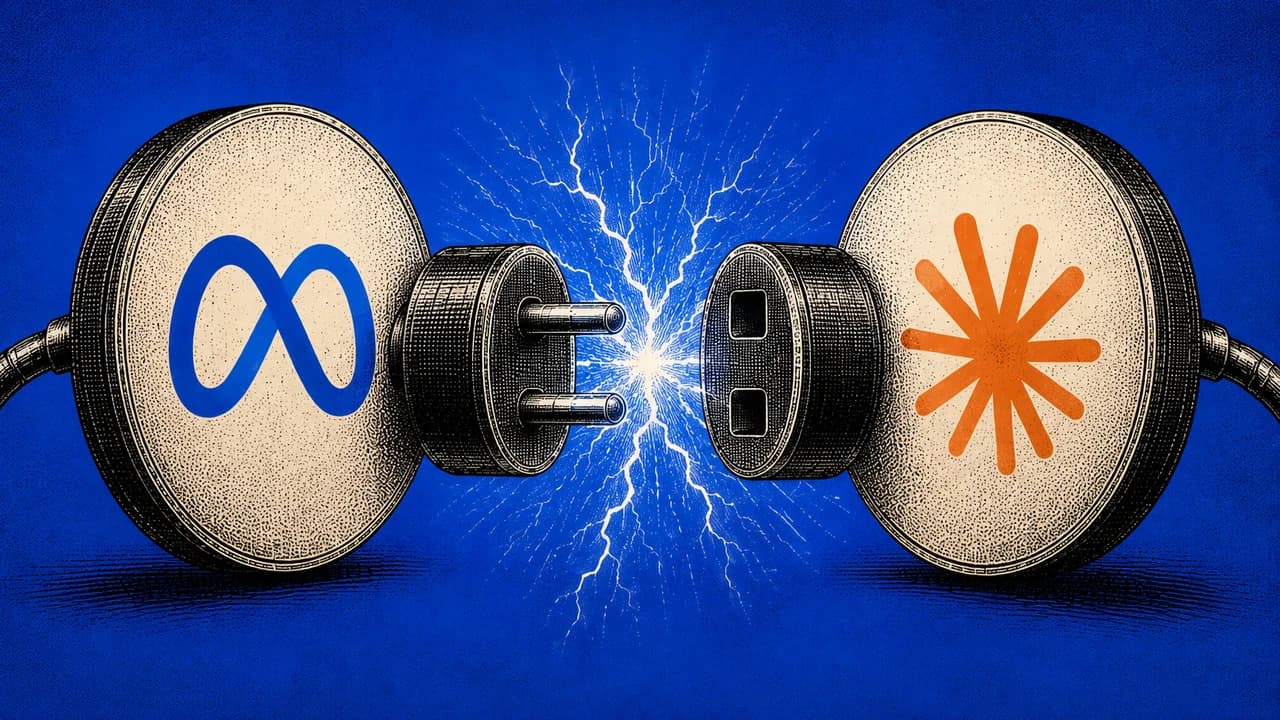
Meta just opened the entire ads platform to AI. Here's the setup, the prompts that surface value tonight, and the philosophy that should drive how your media team uses it.
Steve Tan
TL;DR
Meta opened the ads platform to AI tools in April 2026. You can now connect Claude or ChatGPT directly to your ad account and run reports, budgets, and analysis in plain English. No code, no API setup. The strategic point isn't "AI makes ads easier" — it's that media buyers shouldn't be the ones running reports and reallocating budgets. They should be making creative. Everything else is bookkeeping AI can do faster. This guide is the setup plus how to actually structure your team around it.
Most media buyers I know spend 80% of their week on the wrong work.
Pulling performance reports. Comparing CTRs across ad sets. Reallocating budgets between campaigns. Diagnosing tracking issues. Logging into Ads Manager 12 times a day to check whether the new creative is converting. By Friday, they've spent maybe 6 hours of a 50-hour week actually thinking about creative, which is the only thing in the entire ads stack that moves the needle.
Creative is the lever. Everything else is bookkeeping.
Meta just opened the entire ads platform to AI tools. As of April 2026, you can connect your ad account directly to Claude, ChatGPT, or any AI tool that supports MCP, and run the entire reporting and budget layer in plain English. No developer credentials. No API setup. No code.
The pitch isn't "AI makes ads easier." The pitch is: AI takes the bookkeeping off your team's plate, so the people you're paying for creative judgment can finally use it.
This is the install, the prompts that actually surface value, and the operating philosophy that should drive how your team uses it.
Connect Claude or ChatGPT to your Meta Business account and you can run, in plain English:
All from a single conversation. The work that used to require clicking through 6 layers of Meta's UI now happens in one chat.
There are two official routes Meta shipped. Pick the one that matches how you work.
Best for business owners, marketers, and anyone who wants to get started immediately.
Best for operators who want to inspect every command before it runs, or teams building automations.
Create a free account to continue reading
The operator's library for building with AI.
“The most actionable AI resource library
I've found. Thanks Steve!”
James.H — Member since 2026
Join 2,845+ leaders, builders, and innovators
Already have an account?
Before you touch anything that spends money, test with reporting first. Ask Claude to:
Get comfortable with what comes back before you start making changes. This is the same operator instinct as testing a new automation in staging before pushing to production.
Performance:
"Show me my top 5 campaigns by ROAS over the last 30 days with spend, purchases, and cost per purchase. Which campaigns have declining CTR over the last 2 weeks. Compare video ads versus carousel ads this quarter."Budget:
"Where should I reallocate budget based on last month's performance. Which campaigns are overspending with poor ROAS. Calculate my break-even ROAS by campaign."Audiences:
"Which age groups convert best for my products. Show audience overlap between my top performing ad sets. Find interest targeting options related to my niche and estimate the audience size."Creatives:
"Show me the creatives for my top-performing ads and suggest improvements. Which video creative has the highest engagement rate. Show me all ads with declining performance over the last 2 weeks."That last creative-focused prompt is where this gets interesting. AI handles the diagnosis (what's working, what's dying) so your team focuses on the response (what to make next).
Never let AI apply changes to live campaigns without you reviewing them first.
The workflow should always be: Claude suggests the action, you review the change, you approve the command, then the tool executes it. Meta's official MCP creates campaigns in PAUSED status by default for exactly this reason. Respect that default. The fastest way to lose trust in this stack is to wake up to a $4,000 spend on a campaign you never approved.
This is what nobody else is talking about. Setting up the connector is the easy part. The hard part is restructuring how your team uses their time once the bookkeeping disappears.
What I'd run, on what cadence:
Daily (10 minutes): Quick performance scan via Claude. "Anything weird in the last 24 hours? Any ad sets dying? Any creative dropping below the 7-day average?" The answer is usually no. When it's yes, you act fast.
Weekly (30 minutes): Full performance review. ROAS by campaign, CTR by creative, audience overlap, declining ad sets. Claude pulls the full picture, you decide what to pause, what to scale, what to test. The conversation replaces what used to be a 3-hour reporting session.
Monthly (1-2 hours): Strategic review. Budget reallocation across the whole account, audience refresh, creative refresh briefs. This is where humans should be spending the time, not on data pulls, on decisions.
Per creative cycle: Brief, ship, measure. The faster the loop, the better. AI handling reports means your team's creative cycle isn't bottlenecked by reporting time anymore. You should be able to ship more creative variations per month than you ever have before.
Media buying used to be a craft made up of two distinct skills: creative judgment and operational discipline. Most agencies built their teams around the assumption that one person had to do both.
That assumption is now broken. AI does the operational layer better than humans do — faster, more consistent, never forgets to check the weekend report. The only thing humans bring to the table that AI doesn't is creative judgment: what to make, what hook to test, what the brand actually stands for, what story moves the customer.
If your team is still spending half their week on the operational layer, you're paying creative people to do bookkeeping. The teams that figure this out first are going to ship more creative, test more hooks, and learn faster than the teams stuck in the old workflow.
The point isn't that AI makes ads easier. It's that AI gives your team back the time to do the only work that ever mattered.
Steve Tan
Builder · Operator · Advisor
20+ years building businesses the hard way across eCommerce, SaaS, agency, education, and supply chain. $200M+ in revenue. Now I help business owners turn AI into their unfair advantage.
More about SteveMore from Steve
Most people install every tool they read about and end up managing Claude instead of using it. This skill interviews you first, then hands you a blueprint with a mandatory skip list.
Read →

100 prompts I actually use to run my businesses. Organized the way an operator thinks.
Read →

The custom prompt that runs your business idea through Sam Altman's Startup Playbook the way a YC partner would in a real interview. Free, ten minutes, brutally honest, full prompt included.
Read →